Now on iPhone, iPad, Android and Mac
Edit videos that move to the beat
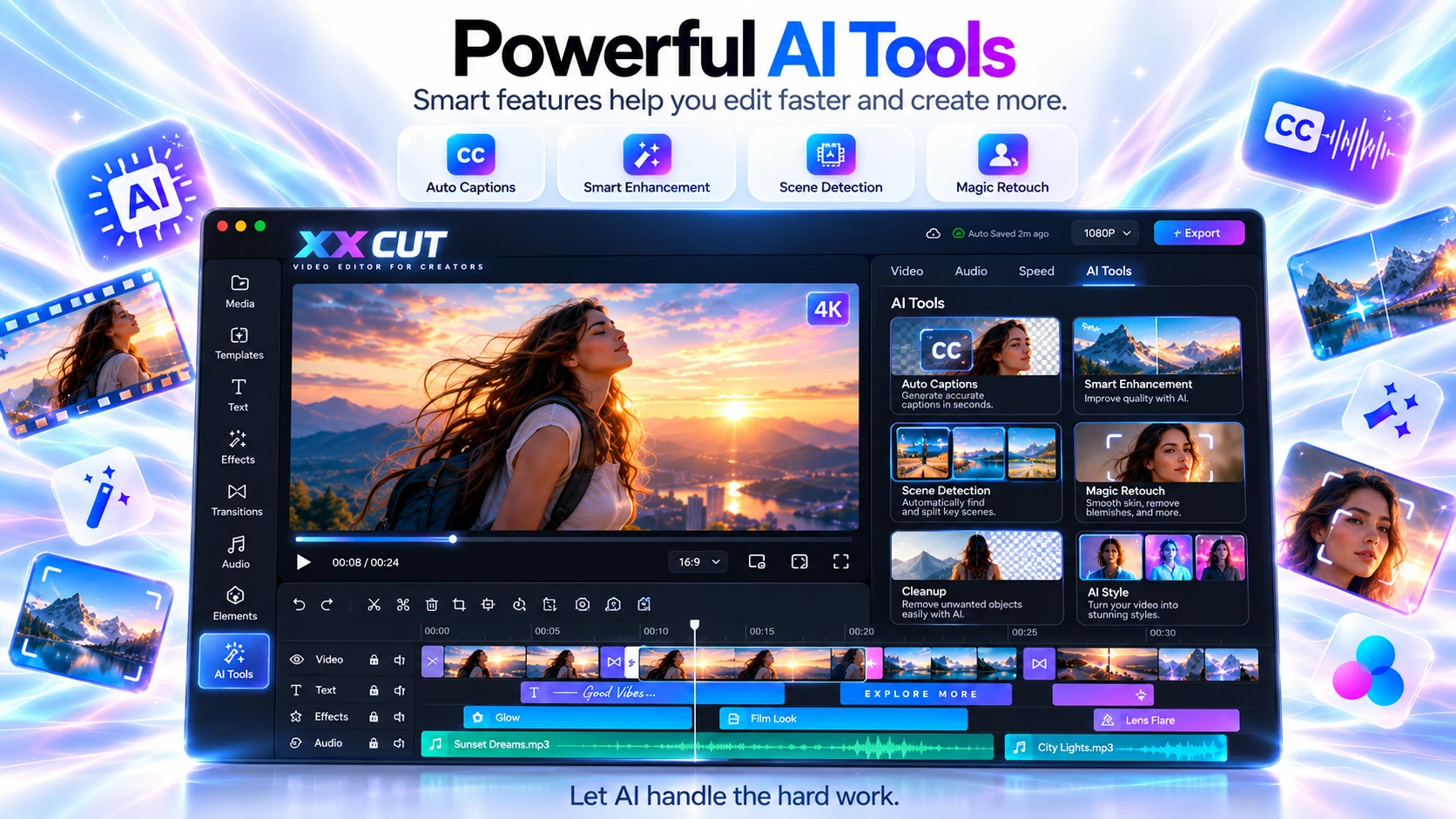
XX CUT is a video editor for your phone and your computer: templates made to the beat, effects, transitions, text and music, all in one place.
Mac and Windows
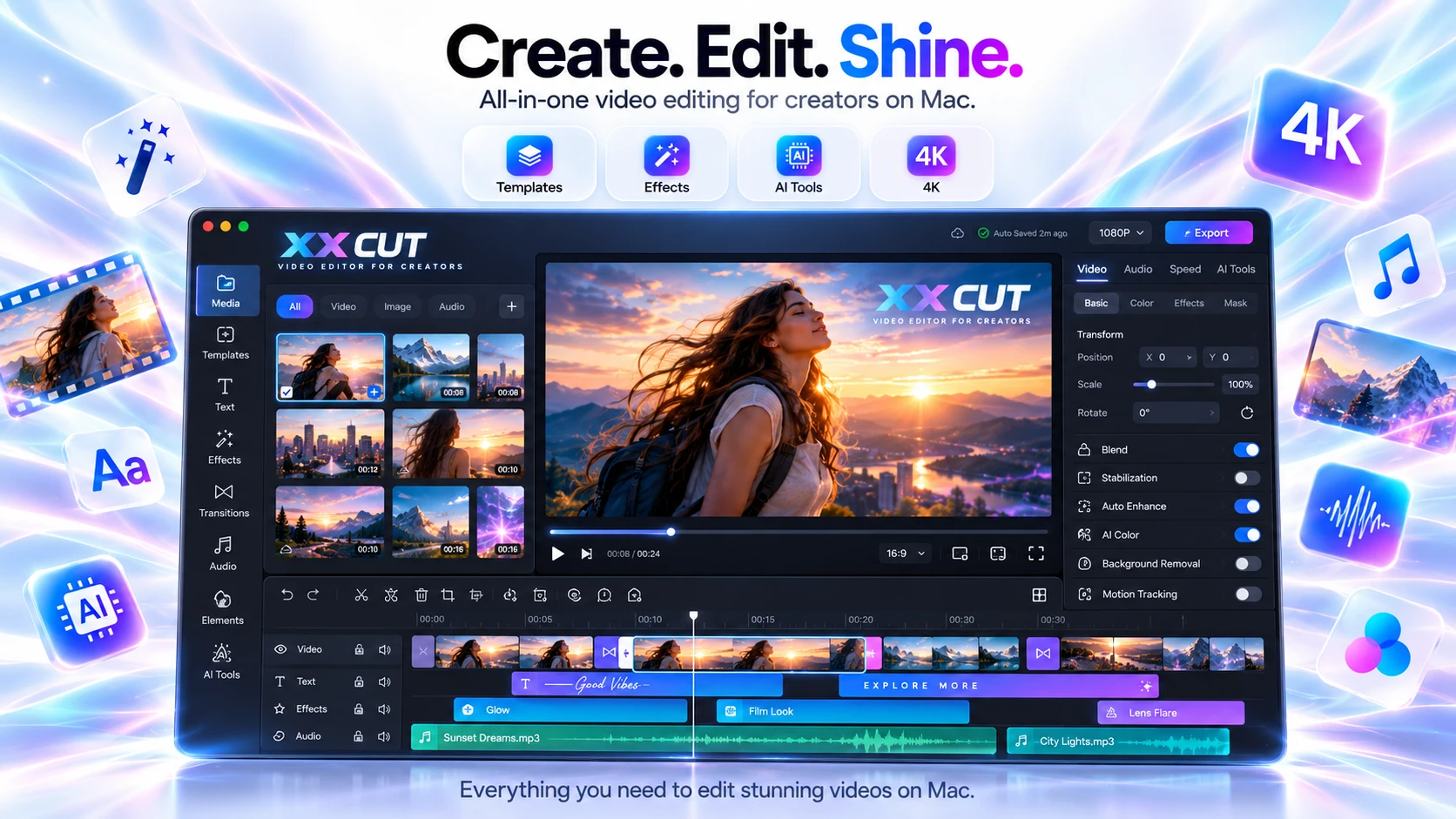
A full editor on your computer
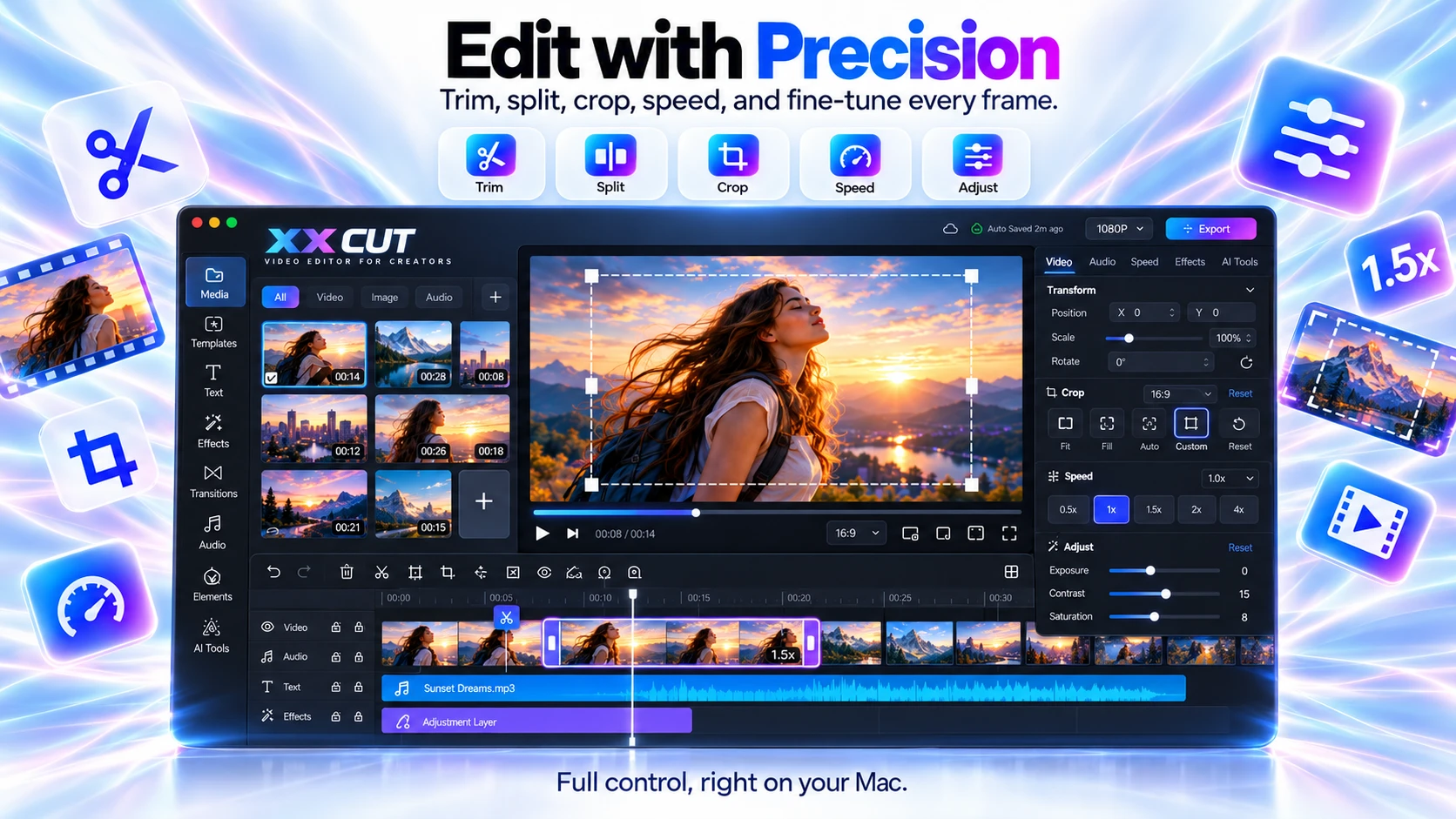
Media, preview, inspector and a multi-track timeline side by side. Drag clips in, fine-tune every frame on the big screen and export in up to 4K.
- ✓Multi-track timeline
- ✓Inspector for every clip
- ✓Keyboard shortcuts
- ✓Drag and drop media
iPhone, iPad and Android
Edit anywhere, in seconds
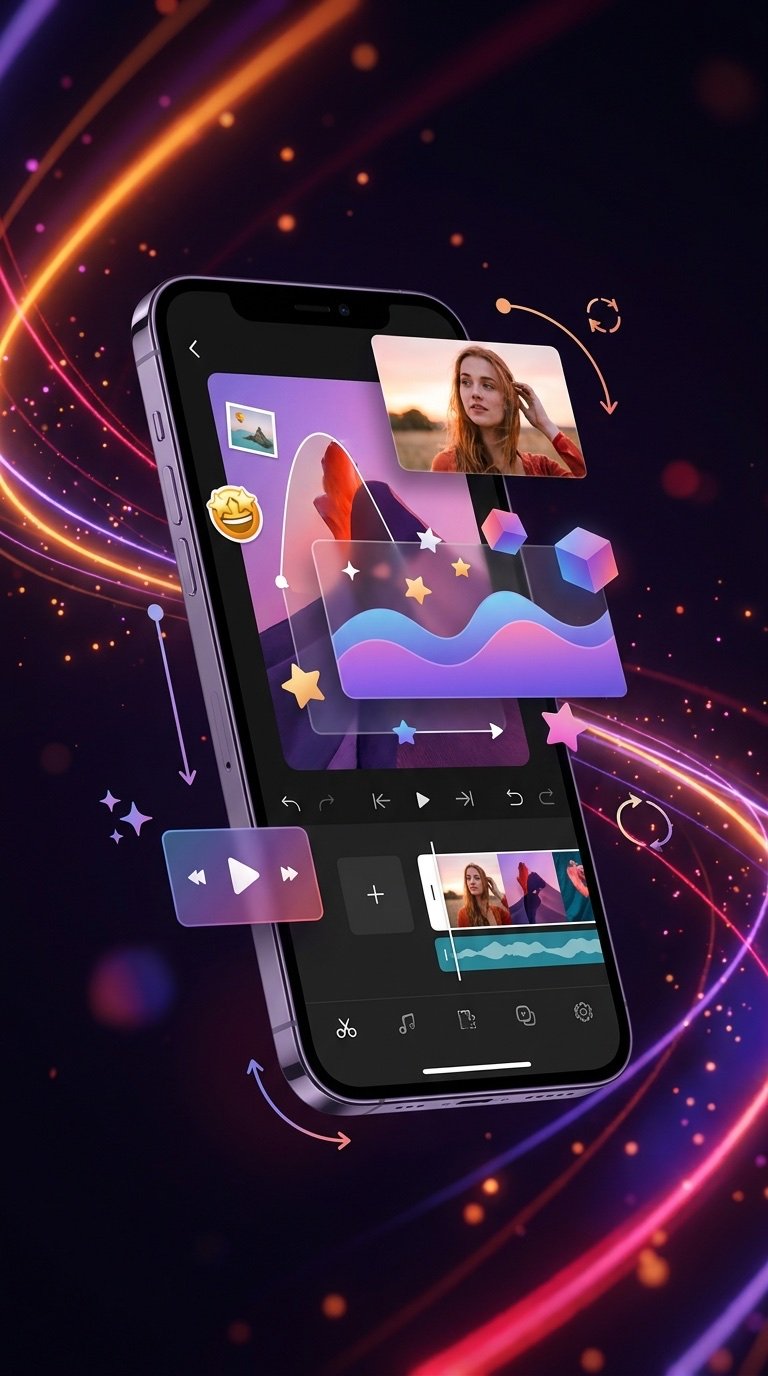
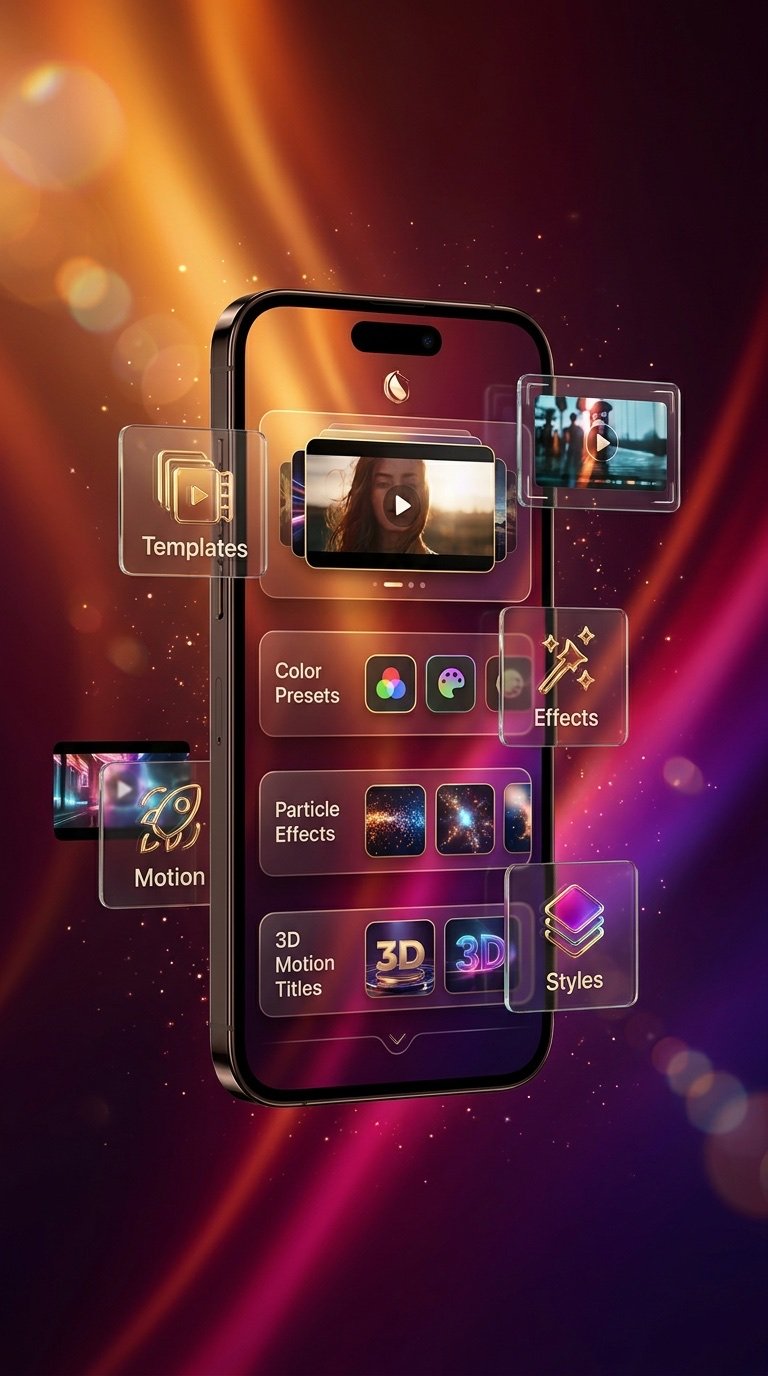
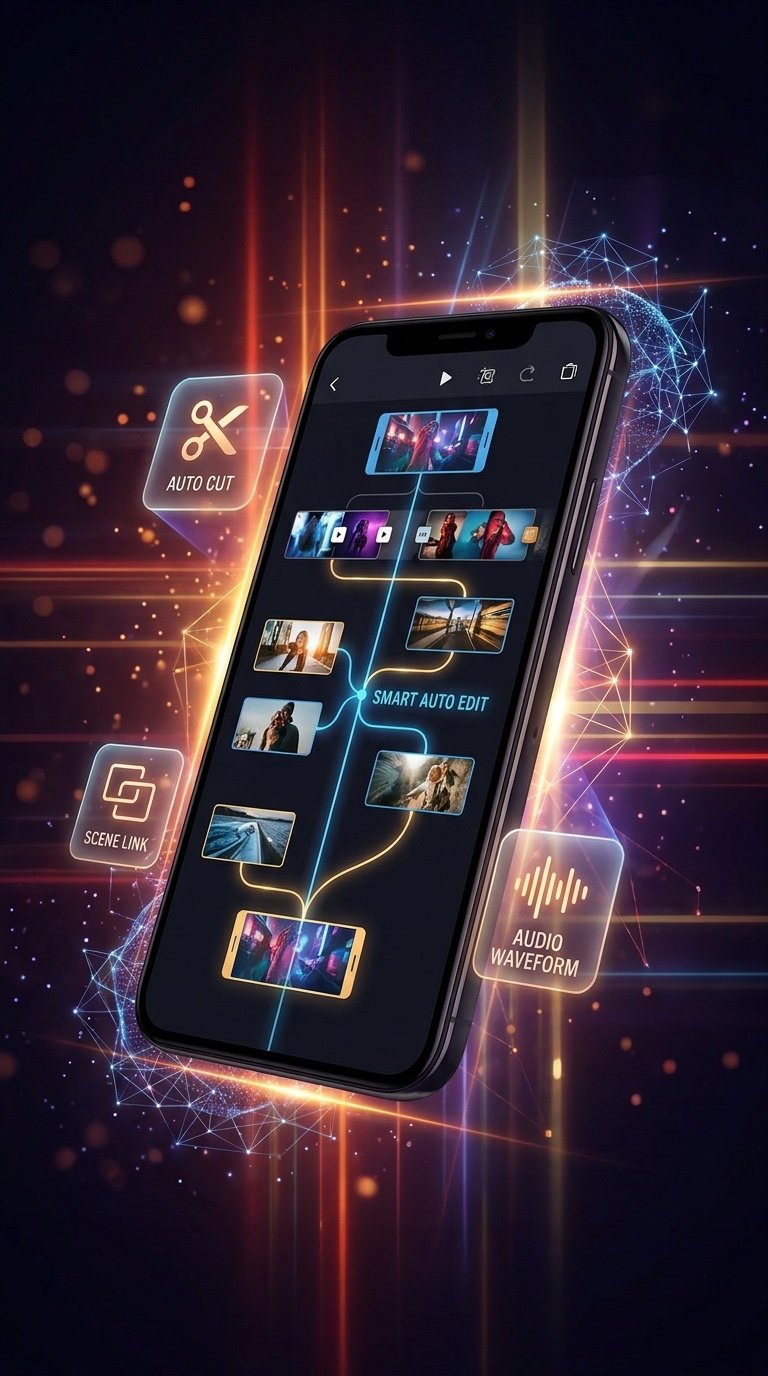
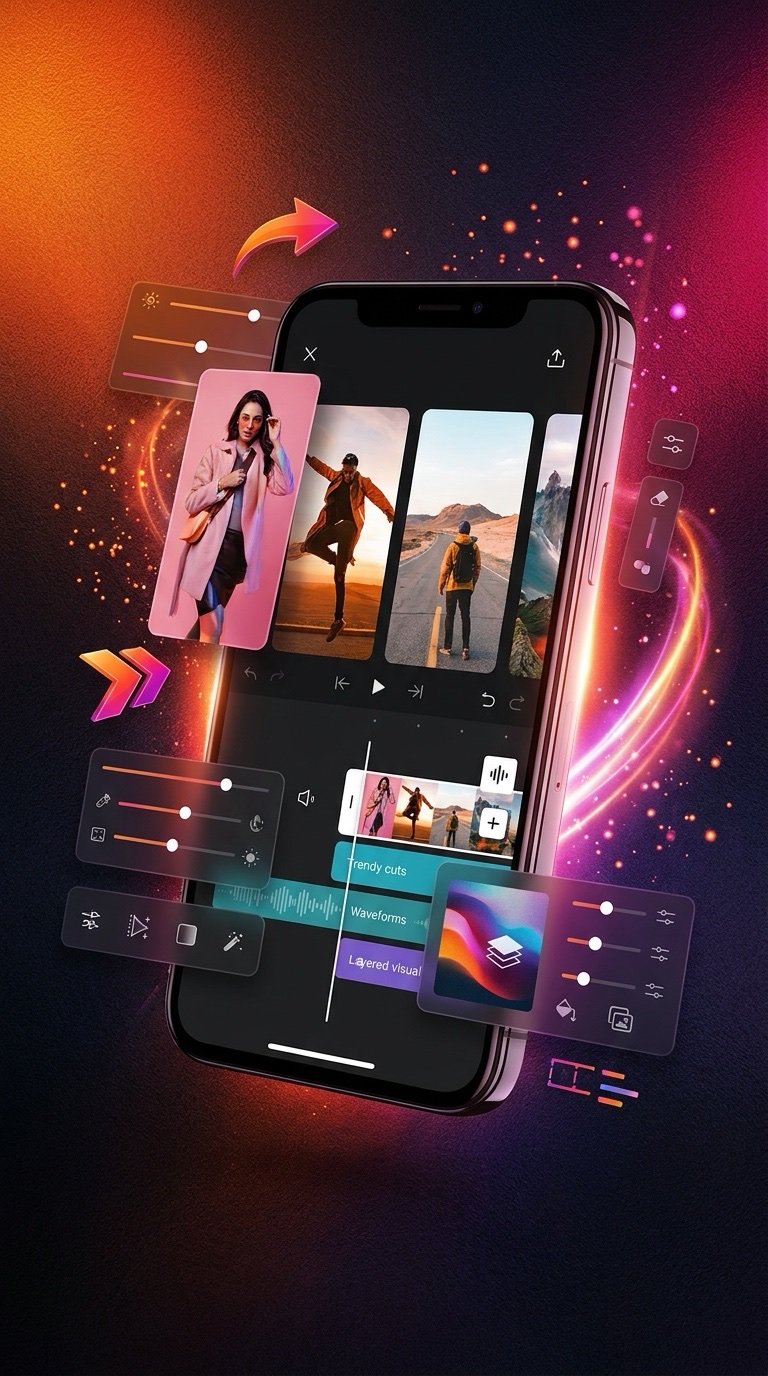
Pick a template made to the beat, drop in your photos and videos, and share. Or build your own edit with effects, transitions, text animations, music, voiceover and a camera with fun lenses.
- ✓Templates that fill 9:16, 16:9, 1:1 or 4:5
- ✓Pull the sound out of any video
- ✓Export video, GIF or just the audio
Everything in one editor
From a quick template to a full edit
The same tools on every screen. Your photos and videos stay on your device.
Templates to the beat
Every move lands on the music, with your media in it.
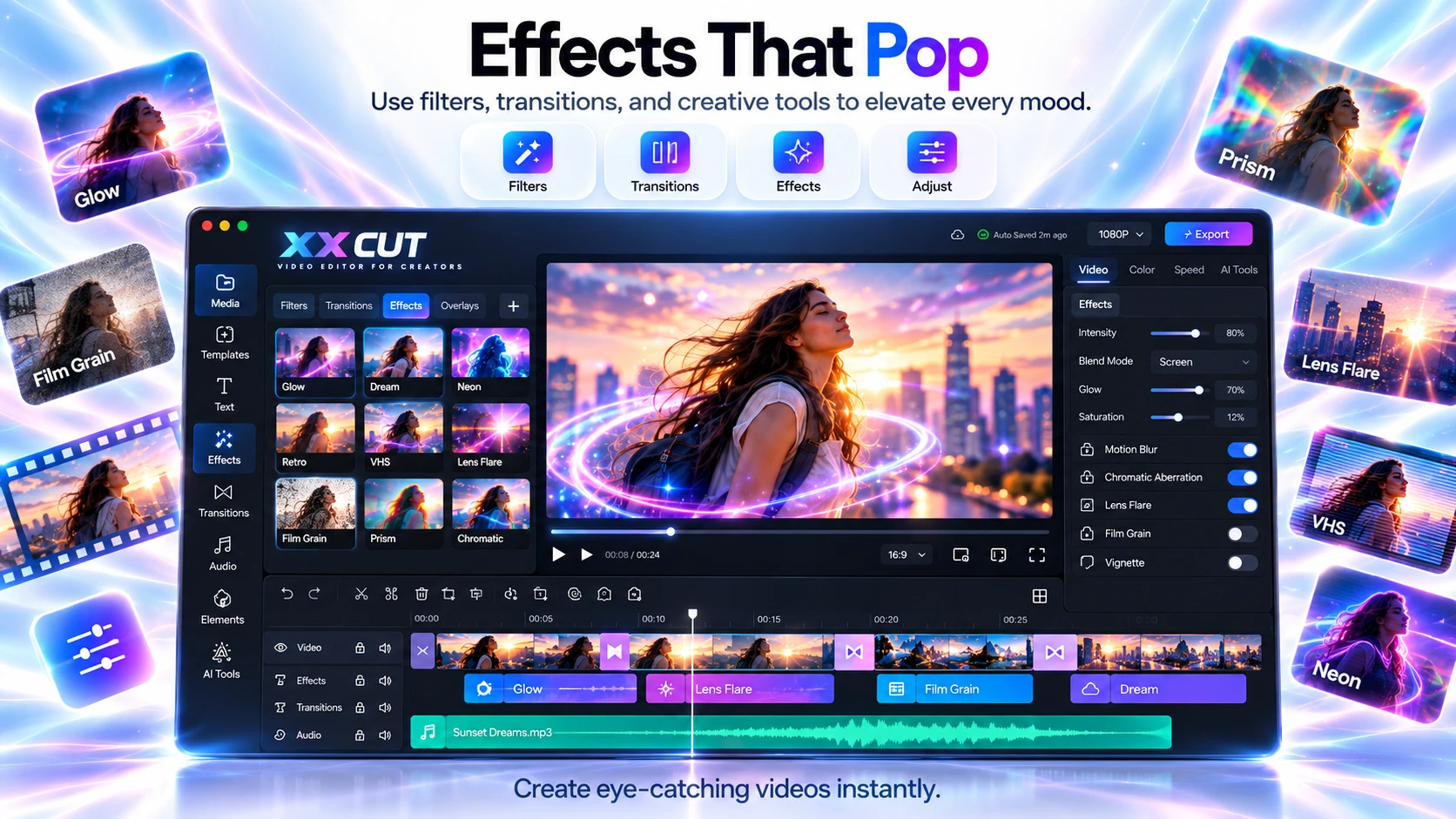
Effects and transitions
Over 180 video effects, body effects and smooth transitions.
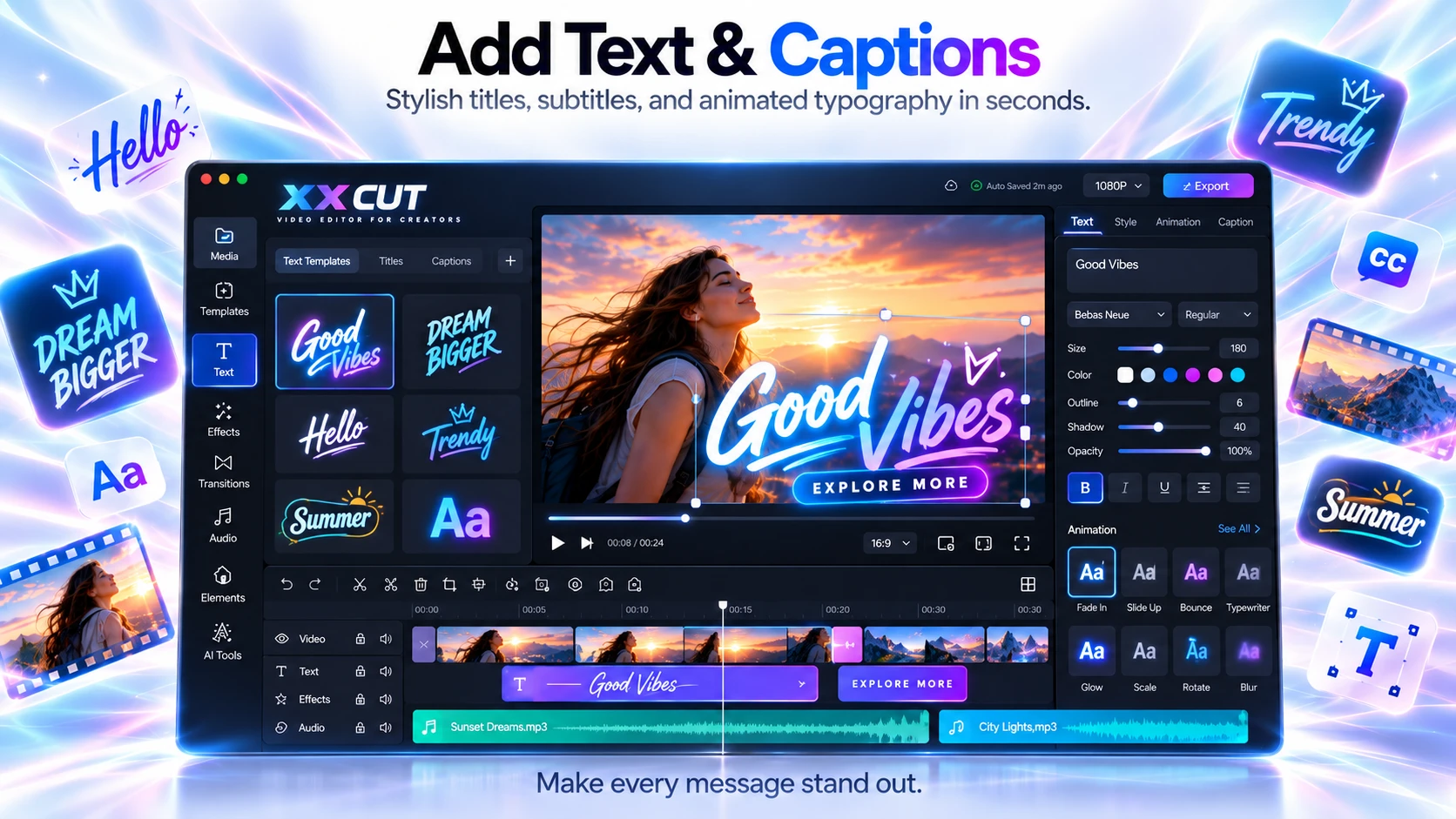
Text and captions
Titles that spring, type, flip or glow.
Music and sound
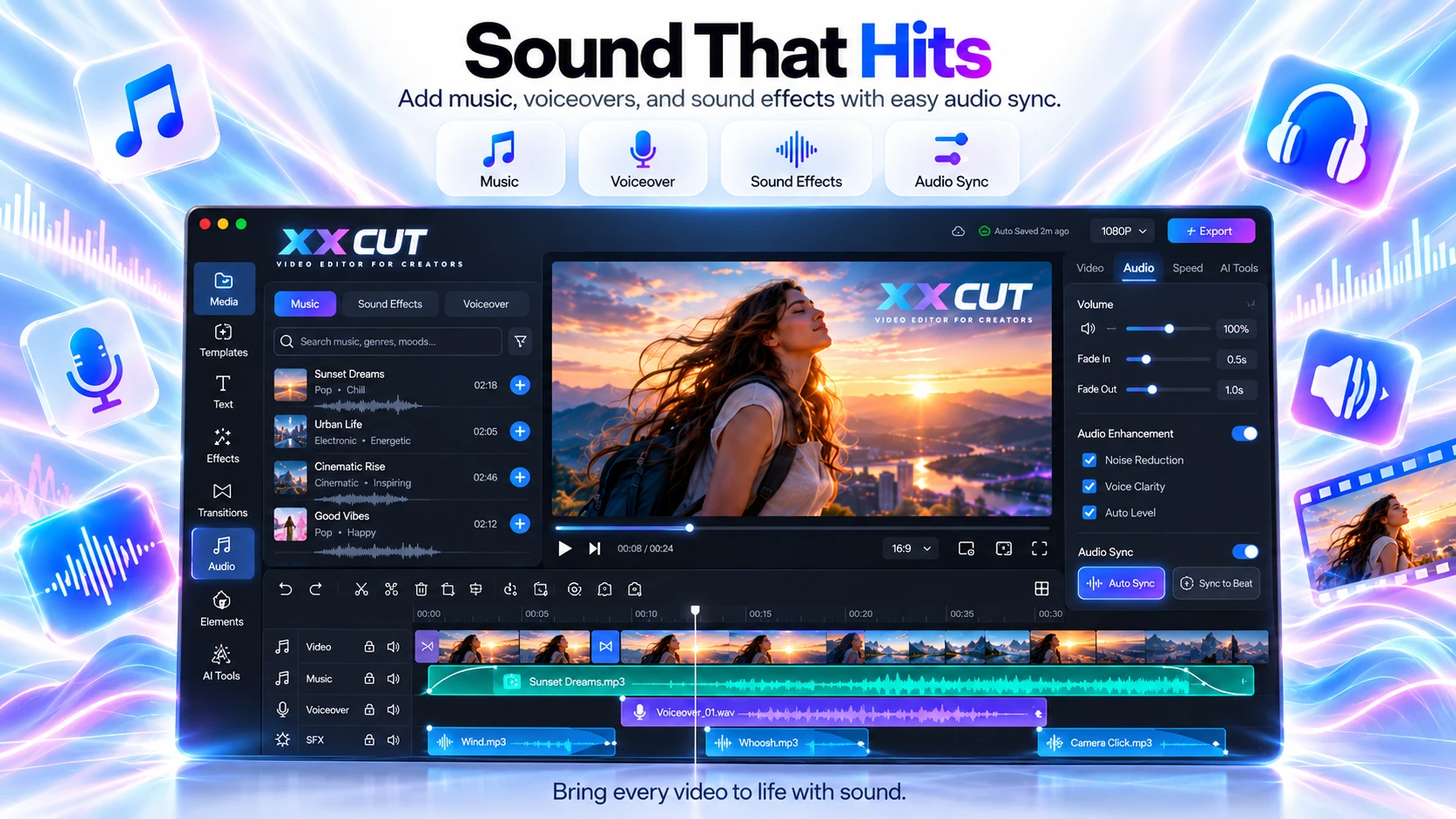
Music, voiceover, sound effects and beat sync.
Trim, split, crop
Fine-tune every frame, with speed and curves.
Layers and blends
Overlays, blend modes and merged layers.
Camera with lenses
Shoot straight into your project.
Export your way
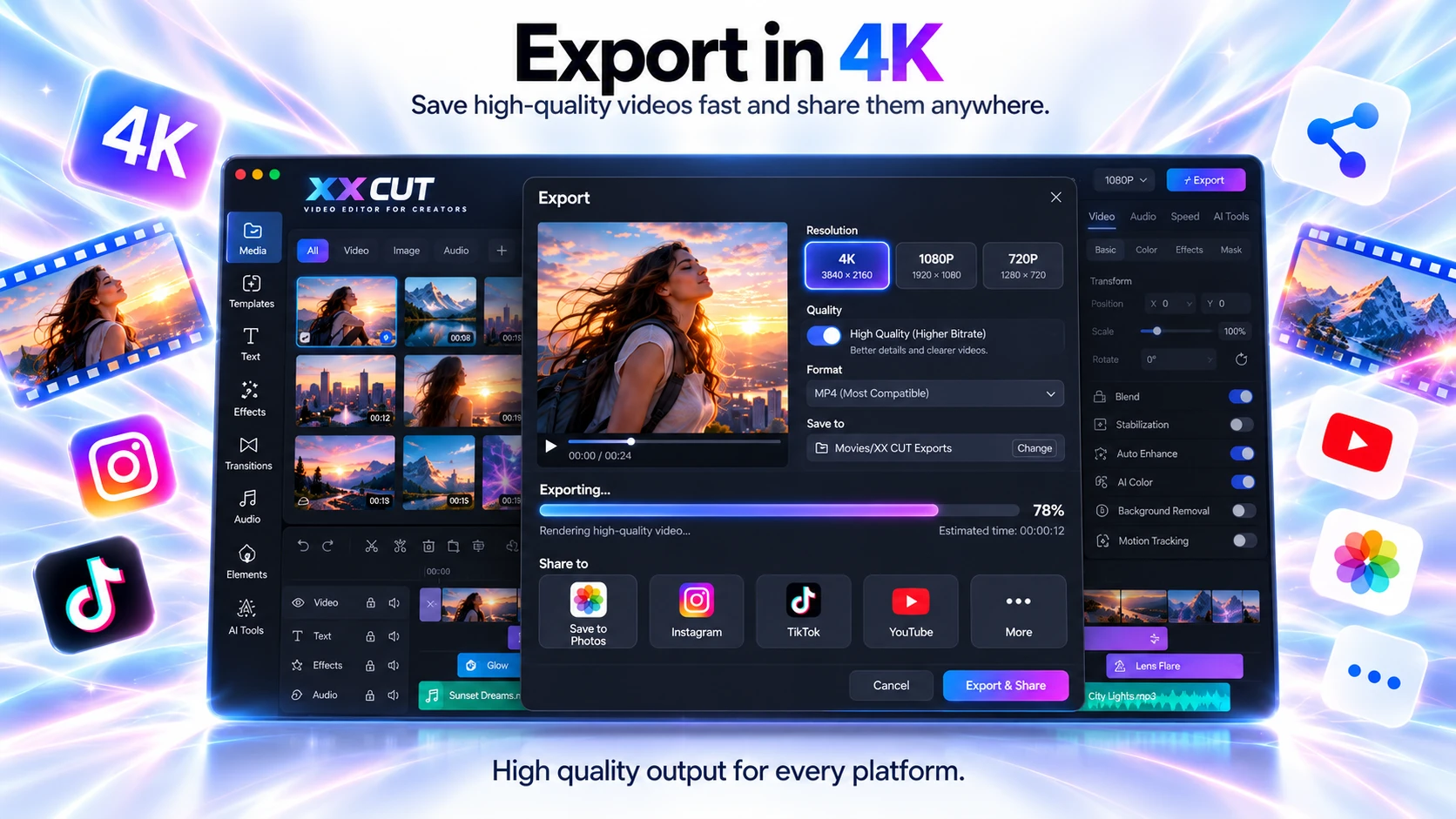
Up to 4K video, GIF, or just the audio.
Templates
Made to the music
Tap play to watch a template with its song. Open it in XX CUT and add your moments.
Templates are on their way. Open XX CUT to see them all.
Questions
Is XX CUT free?+
Yes, XX CUT is free to download and use. XX CUT Pro removes ads and unlocks the Pro templates and effects.
Is it on Mac?+
Yes. Get it from the Mac App Store: the same app as on iPhone and iPad, with a desktop editor made for the big screen.
Are my photos and videos uploaded?+
No. XX CUT edits your media on your own device. Only templates and other content are downloaded from us.
How do I get new templates?+
New templates show up in the app by themselves. Open Templates and they are there, no update needed.